
Web App Design Services and Solutions
Web App Design Services
Looking to turn a complex product into a web app that feels simple and fast instead of heavy and confusing? Lumitech’s web app design services help you design, update, and polish web applications so they look modern and work smoothly in day‑to‑day use.
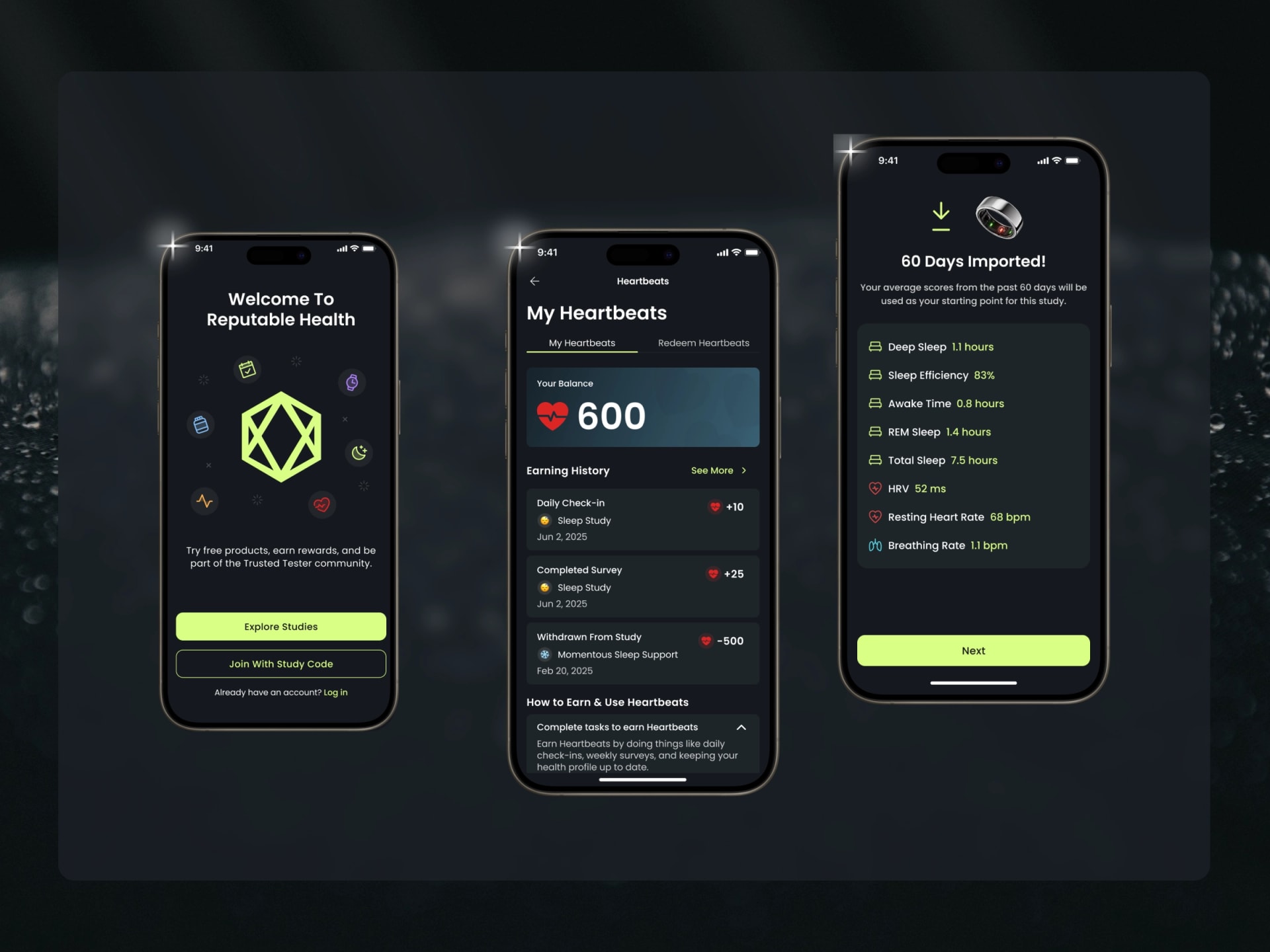
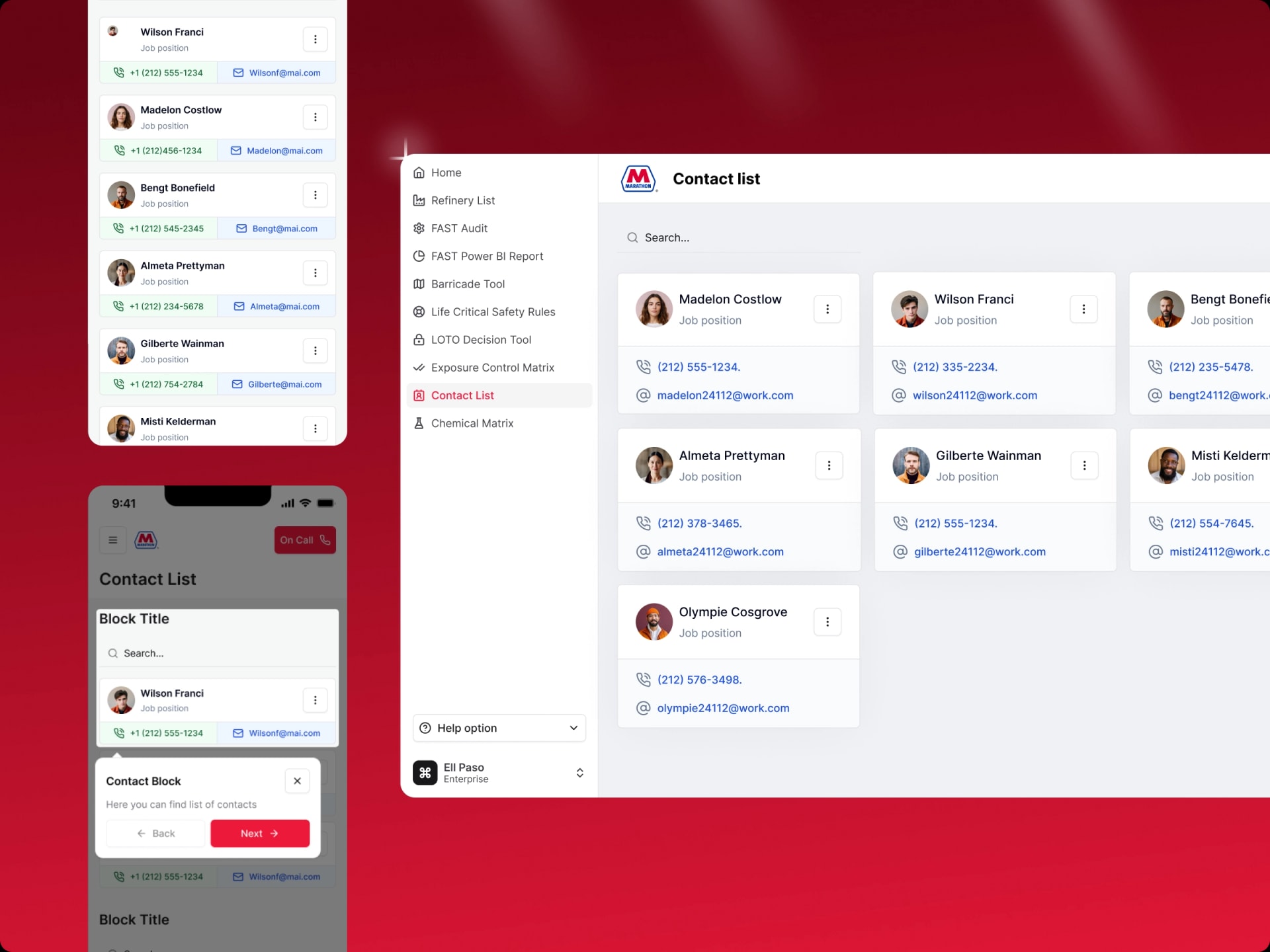
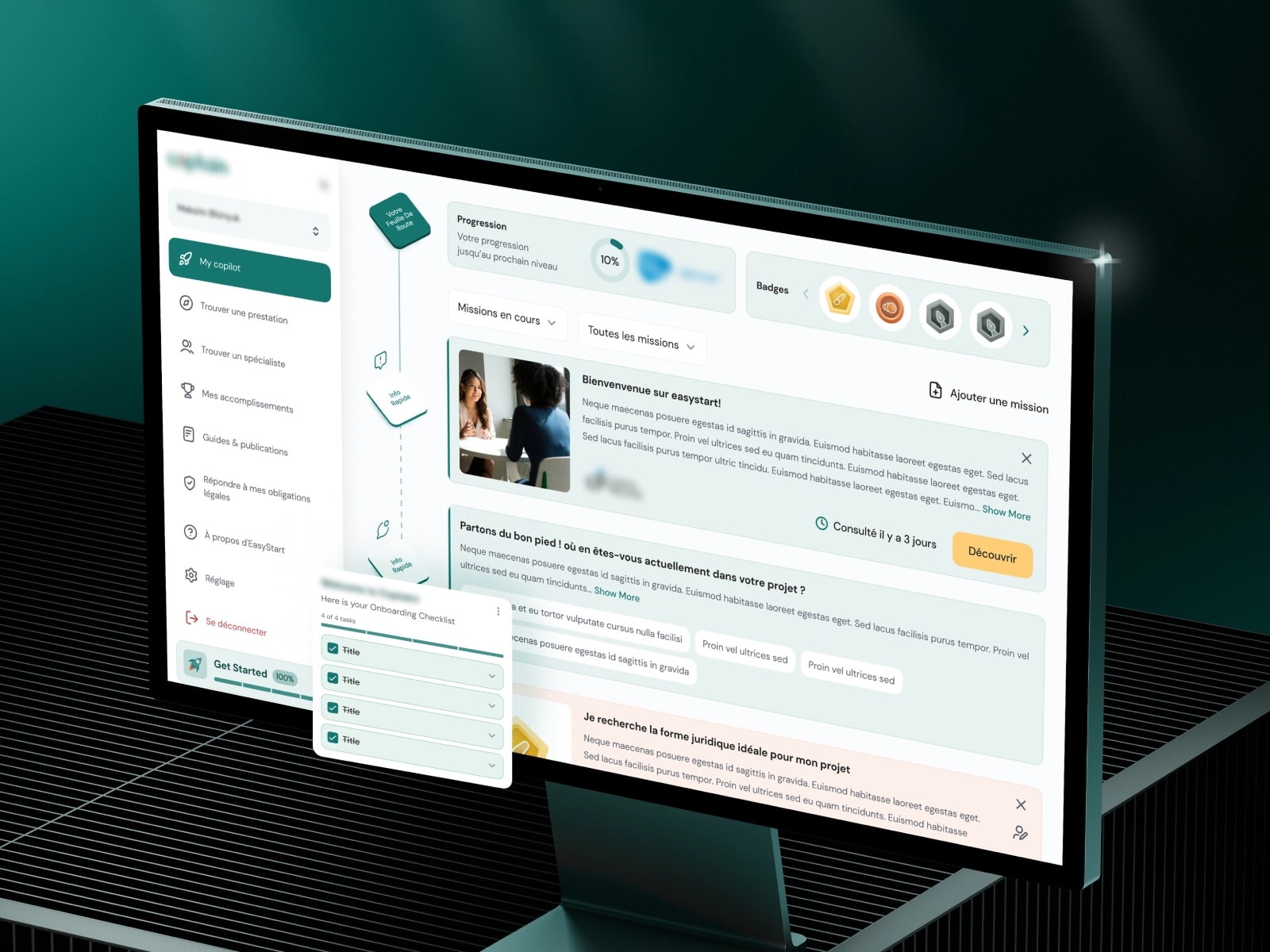
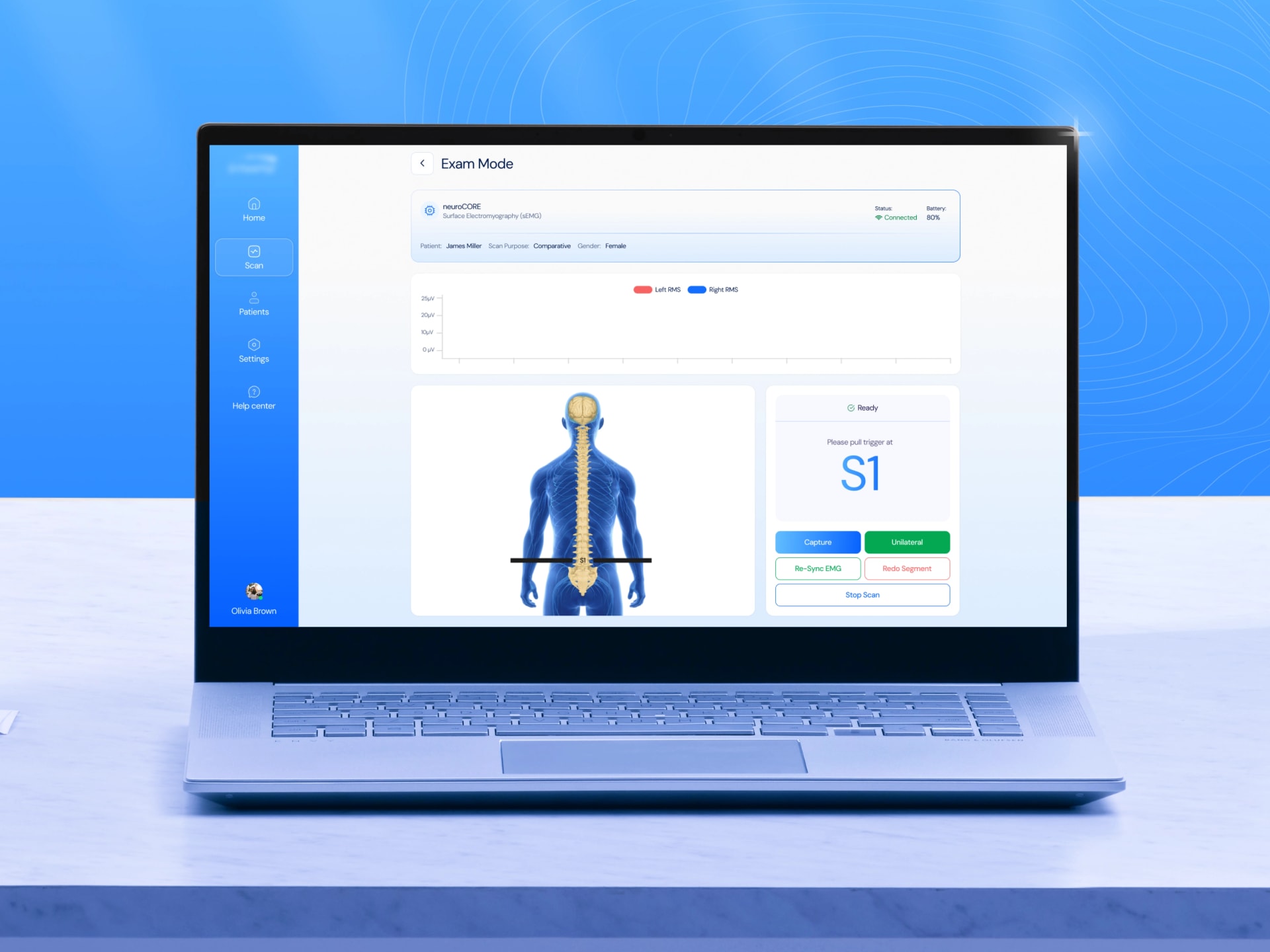
Web App Design Services: We’ve Seen It Before — and We Know How to Fix It
Many teams come to us with the common problem: “The app technically works, but it’s not working for people anymore.” Pages are slow, flows are confusing, and the interface looks like it survived from a previous era. Users complain, churn goes up, and every new feature seems to make the experience even more complicated. Below are four typical problems we see — and how we usually solve them.
Users get lost and drop off mid‑flow
On paper, the product is powerful. In reality, new users do not know where to start, and returning users cannot remember how to repeat basic actions. Onboarding feels vague, and important steps are hidden behind unclear labels.
Solution: We start with UX research for web apps: quick interviews, analytics review, and simple task‑based tests. Then we redesign journeys so each step has one clear goal, one clear action, and no dead ends. The result is a high-performance web application UX where people reach value faster and feel in control.
Visual design looks inconsistent and outdated
Everyday tasks take too many steps
You feel something is wrong but can’t pinpoint it
In all cases, our aim is the same: with our custom UI/UX design for complex web applications, we rebuild confidence in your product and make your web app feel straightforward again, both for your users and your internal team.
What We Do — Custom UI/UX Design for Complex Web Applications
Our web app design services cover the full cycle: from untangling what users really need to preparing pixel‑perfect designs and supporting development. Instead of treating each step as a separate task, we connect them into one flow, so you always know what happens next and how it impacts your web application ideas.
UX Research & Discovery

In this initial stage, we talk to stakeholders, review analytics, and, where possible, speak with real users. The goal is to understand who uses your product, what they are trying to achieve, and why the current experience is slowing them down. This phase gives us a realistic picture and a focused list of UX questions to answer through UX research for web apps.
Wireframing & Prototyping

During wireframing & prototyping, we translate insights into low‑ and mid‑fidelity flows. Here, we map how people move through the app, what they see on each screen, and how information is organized. Clickable prototypes give you something concrete to react to, long before any visual details are fixed.
UI Design & Visual Identity

Next comes UI and visual identity design. Once the structure is working, we make it look and feel right. We design clean, modern interfaces that fit your brand and support accessibility-first web app design. This is where the app starts to look like a product users want to open every day, not just a set of forms.
Responsive & Adaptive Layouts Development

Responsive and adaptive layouts make sure your app holds up on different devices and resolutions. We plan how layouts behave from large desktops to smaller screens, so important actions remain visible and easy to reach, without hiding core functionality behind confusing menus.
Design Systems & Style Guides

With design systems and style guides, we turn your interface into a reusable language. Our expert UI/UX designers for web apps document components, states, and tokens in a way you can use in daily work. This keeps your web app UI consistent and makes every future feature faster and cheaper to design.
Usability Testing & Iteration

Finally, usability testing and iteration closes the loop. We put prototypes in front of real or close‑to‑real users and watch how they actually interact with your web app design and development services output. Based on that, we refine wording, flows, and details until the experience feels straightforward rather than “learned by heart.”
Our Deliverables, Your Outcomes
To remove guesswork, our web app design agency is very clear about what you receive, how it looks, and how it connects to your metrics. You do not just get “some designs” — you get concrete assets ready for implementation and decision‑making.
Clickable prototype & demo video
A realistic, clickable prototype that shows how your web app works screen by screen, plus a short walkthrough video your team can share with stakeholders or investors.
Spec pack & UI states
Detailed specs for each major screen, including redlines, interaction notes, and all key states, so engineers always know what should happen when something is empty, loading, or goes wrong.
Accessibility checklist (WCAG 2.1 AA)
A straightforward checklist showing how the design addresses core accessibility requirements (contrast, keyboard navigation, focus states, and so on), so you can move toward accessibility-first web app design with confidence.
Design system & documentation
A compact but powerful design system with colors, typography, spacing tokens, and reusable components, documented by our professional web app designers in a way you can actually use every day.
UX Research artifacts
Practical research outputs that summarize what we learned: simplified personas, key journey maps, and a usability report with findings and recommendations you can turn into a roadmap.
Clickable prototype & demo video
A realistic, clickable prototype that shows how your web app works screen by screen, plus a short walkthrough video your team can share with stakeholders or investors.
Design system & documentation
A compact but powerful design system with colors, typography, spacing tokens, and reusable components, documented by our professional web app designers in a way you can actually use every day.
Spec pack & UI states
Detailed specs for each major screen, including redlines, interaction notes, and all key states, so engineers always know what should happen when something is empty, loading, or goes wrong.
UX Research artifacts
Practical research outputs that summarize what we learned: simplified personas, key journey maps, and a usability report with findings and recommendations you can turn into a roadmap.
Accessibility checklist (WCAG 2.1 AA)
A straightforward checklist showing how the design addresses core accessibility requirements (contrast, keyboard navigation, focus states, and so on), so you can move toward accessibility-first web app design with confidence.
CUSTOMER STORIES
Latest Tech Expertise in Web App Design
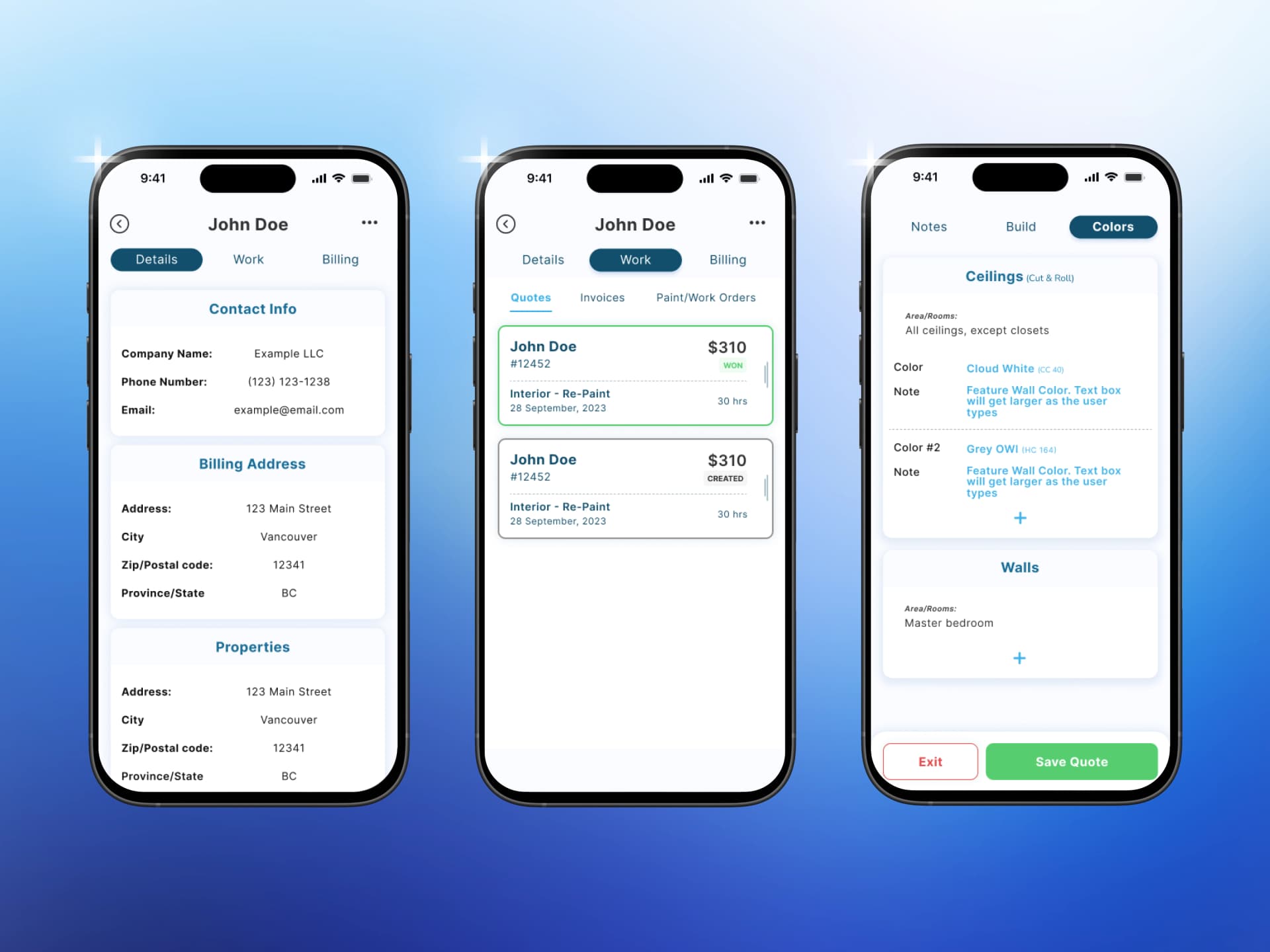
Offline‑First Estimating App for a Growing Painting Business
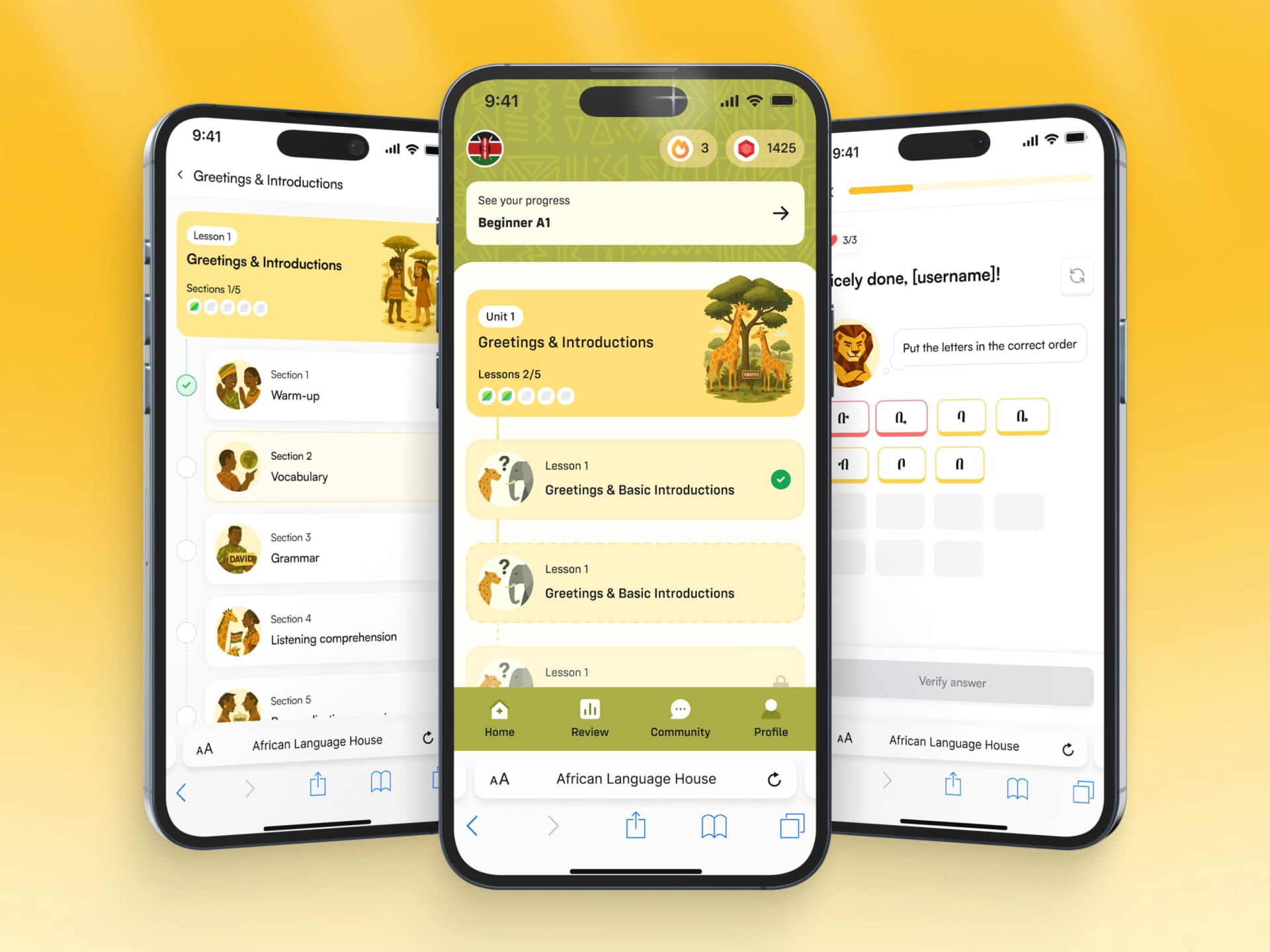
Reviving Roots: How We Built an AI-Powered African Language Learning Platform
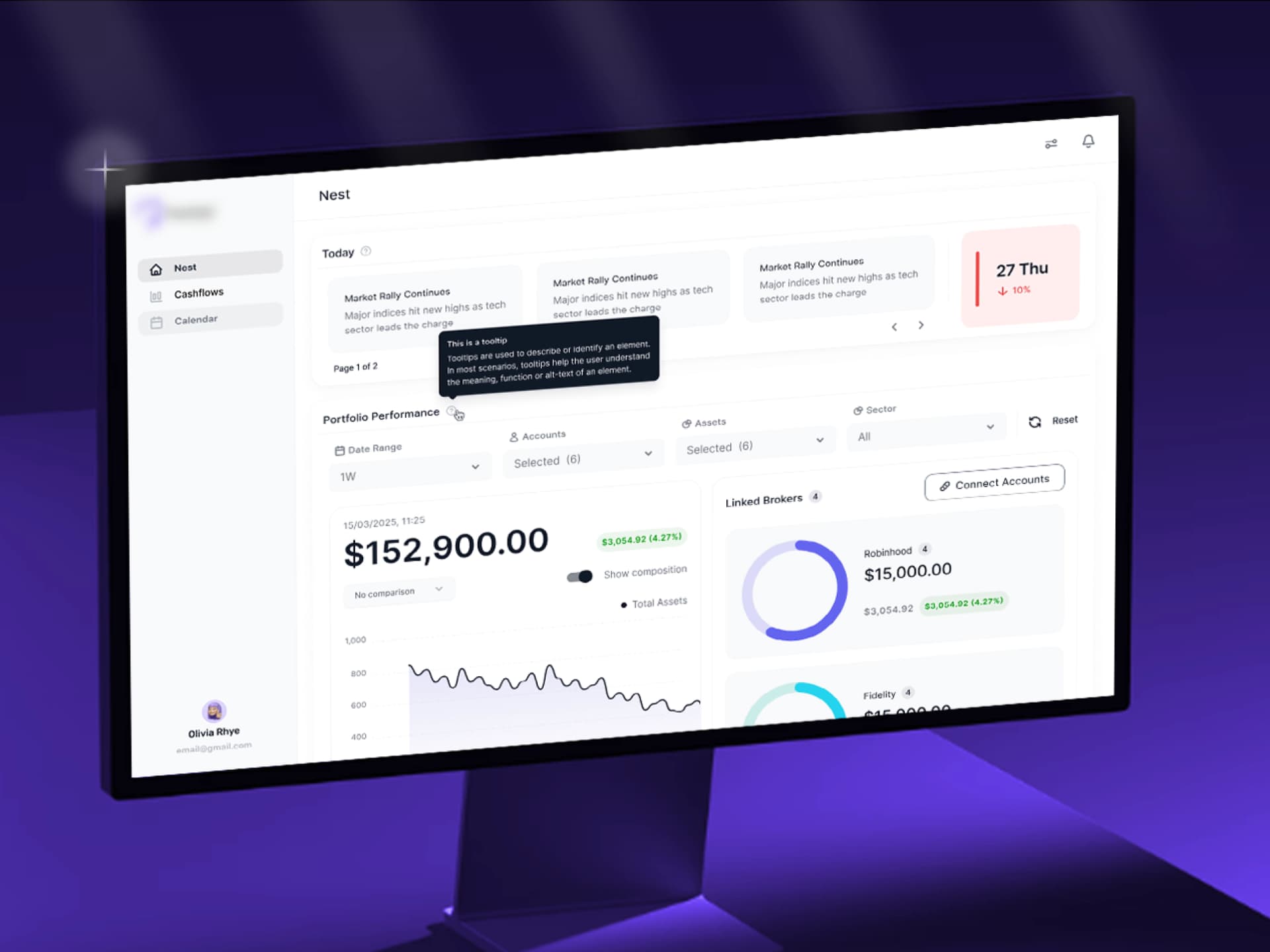
AI-Powered Investment Intelligence Platform
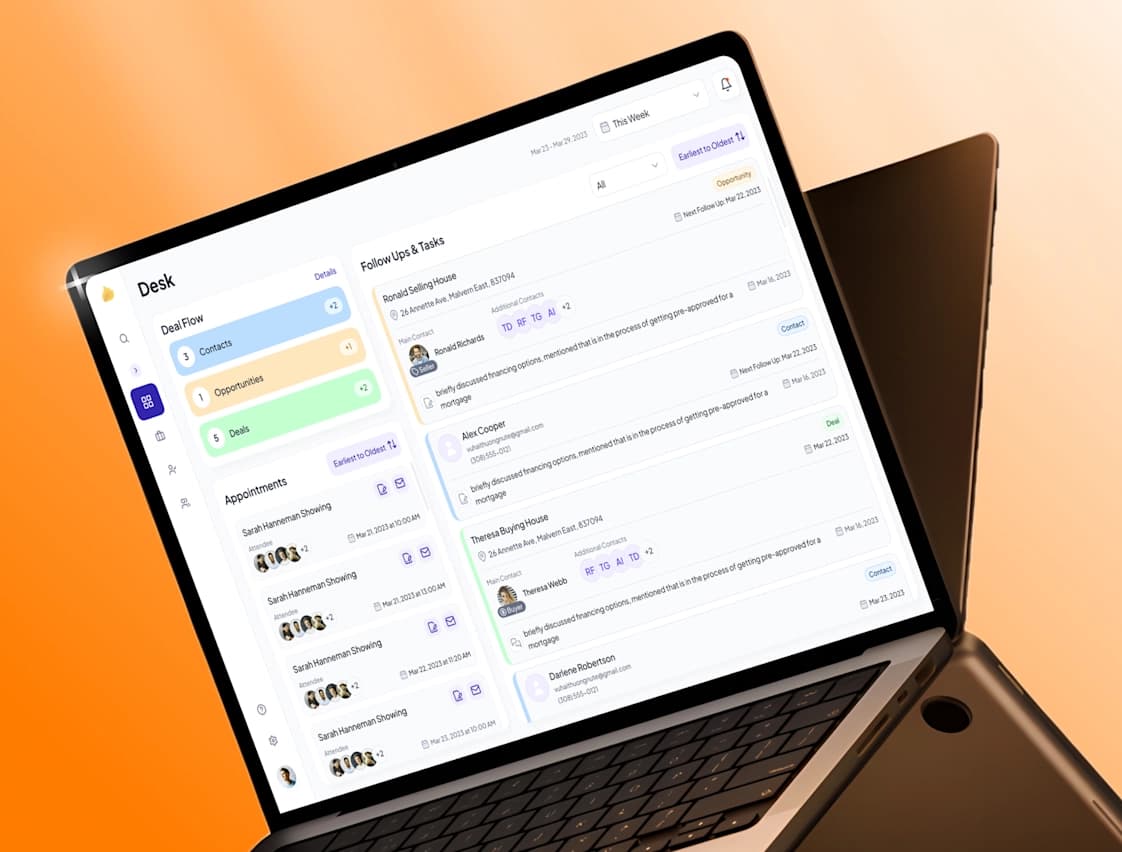
Transforming Real Estate with AI: CRM for Deal Management
Our Web App Interface Design & Development Process
01. Discover & Define
We begin with a short discovery phase: 1–2 calls, a review of your current app (if you have one), and a look at existing documentation and metrics. The goal is to understand your goals, risks, timelines, and constraints — and to agree what “success” should look like for this project.
02. Ideate & Architect
Next, we design how your app is organized. We map key flows, sketch early layouts, and define how content and actions are grouped. This is where web app design and development services stay tightly aligned, because we keep technical realities and future roadmap in mind while shaping UX.
03. Design & Prototype Web App Interface Design
Once we are confident in structure, we create a detailed UI and turn it into a high‑fidelity prototype. Here you see the final look and feel: colors, typography, spacing, and components, together with smooth navigation. This prototype becomes the reference point for your internal team and your stakeholders.
04. Test & Iterate
Before anything goes to production, we test the experience with users or internal experts. We watch where they hesitate, where they misclick, and which parts feel “heavy.” Based on this, we refine layouts, copy, and interactions, so your web app UI/UX design services result is more than just our opinion — it is validated.
05. Final Handoff
At the end, we deliver everything your engineers need: design files, design system, specs, and notes for edge cases. We stay close during implementation, answer questions quickly, and adjust where needed, so the live product matches the agreed design as closely as possible.

Built with the right tools
Collaboration & Tooling

Tech Stack & Expertise
We work with a proven, production-ready stack and select technologies according to security, scalability, and budget requirements.
- UI/UX Design: Figma, Sketch
- Prototyping & Motion: Figma, Framer, ProtoPie, Lottie
- Design Systems & Handoff: Zeplin, Storybook, Zeroheight
- User Research & Testing: Maze, UserTesting, Hotjar, Dovetail
- Collaboration & PM: Slack, Jira, Miro, Notion
Most of our clients are based in the United States and the Middle East, with a strong presence in Dubai and Saudi Arabia. Lumitech focuses on connecting these two dynamic regions, helping companies build and scale technology solutions across both markets.
Related Services
UI/UX Design Services
If you need help beyond web apps, consider end-to-end UI/UX design services tailored to SaaS and enterprise apps for mobile and desktop. We help you align product strategy, interaction design for web apps, and visual language, so users have the same clear experience everywhere.
Web Development Services
When you want one partner from idea to launch, our web development services close the loop. Our in‑house engineers build secure, scalable applications that follow the approved designs closely, minimizing the usual “design vs. implementation” gap.
MVP Development Services

For new web application ideas, our MVP development services help you launch a lean, testable product first. We focus on essential flows, design only what is truly needed for learning, and set you up for future iterations based on real users expectations instead of guesswork.

Good to know
What is included in professional web app design services?
How much does it cost to design a web application?
How long does it take to design a web app from start to finish?
How does UI/UX design improve the performance of a web application?
Can you redesign an existing web application to improve usability?
Ready to bring your idea into reality?
- 1. We'll sign an NDA if required, carefully analyze your request and prepare a preliminary estimate.
- 2. We'll meet virtually or in Dubai to discuss your needs, answer questions, and align on next steps.
- Careers → careers@lumitech.coPartnerships → partners@lumitech.co
Prefer a direct line to our CEO?


Prefer a direct line to our CEO?