
Predictive UX Research: Designing Experiences That Anticipate User Needs
Most UX teams today work in a world that moves faster than their research cycles. Interfaces ship, markets shift, and user expectations evolve before the next usability tests begin. Relying only on traditional methods means staying slightly behind users.
- UX/UI Design
December 26, 2025
 AI Overview
Predictive UX research uses behavioral data, machine learning, and pattern detection to anticipate user actions before they happen, replacing reactive research cycles built on interviews and journey maps alone. Core components include probabilistic modeling, real-time signal tracking, and AI-assisted synthesis. This shift lets teams flag risk early, such as identifying a 70% chance a user churns at a specific step.


This is where predictive UX research comes in. It doesn’t promise magic or mind reading. Instead, it gives teams a structured way to use data, AI, and experimentation to anticipate what users are likely to do next, then design for that future state — not just analyse the past.
In this article, we’ll unpack what predictive UX really is (and what it definitely isn’t), how AI reshapes research workflows, when it makes sense to invest in predictive models, and how to get started without turning your product into an overengineered science project.
Why Traditional UX Research Is No Longer Enough
Traditional UX research gave us interviews, usability tests, journey maps, and personas. These methods are still valuable, but on their own they are increasingly reactive in a world where interfaces change weekly and user expectations are shaped by AI-powered products. Below are more reasons why the traditional approach to UI/UX research and design required more advanced methodologies.
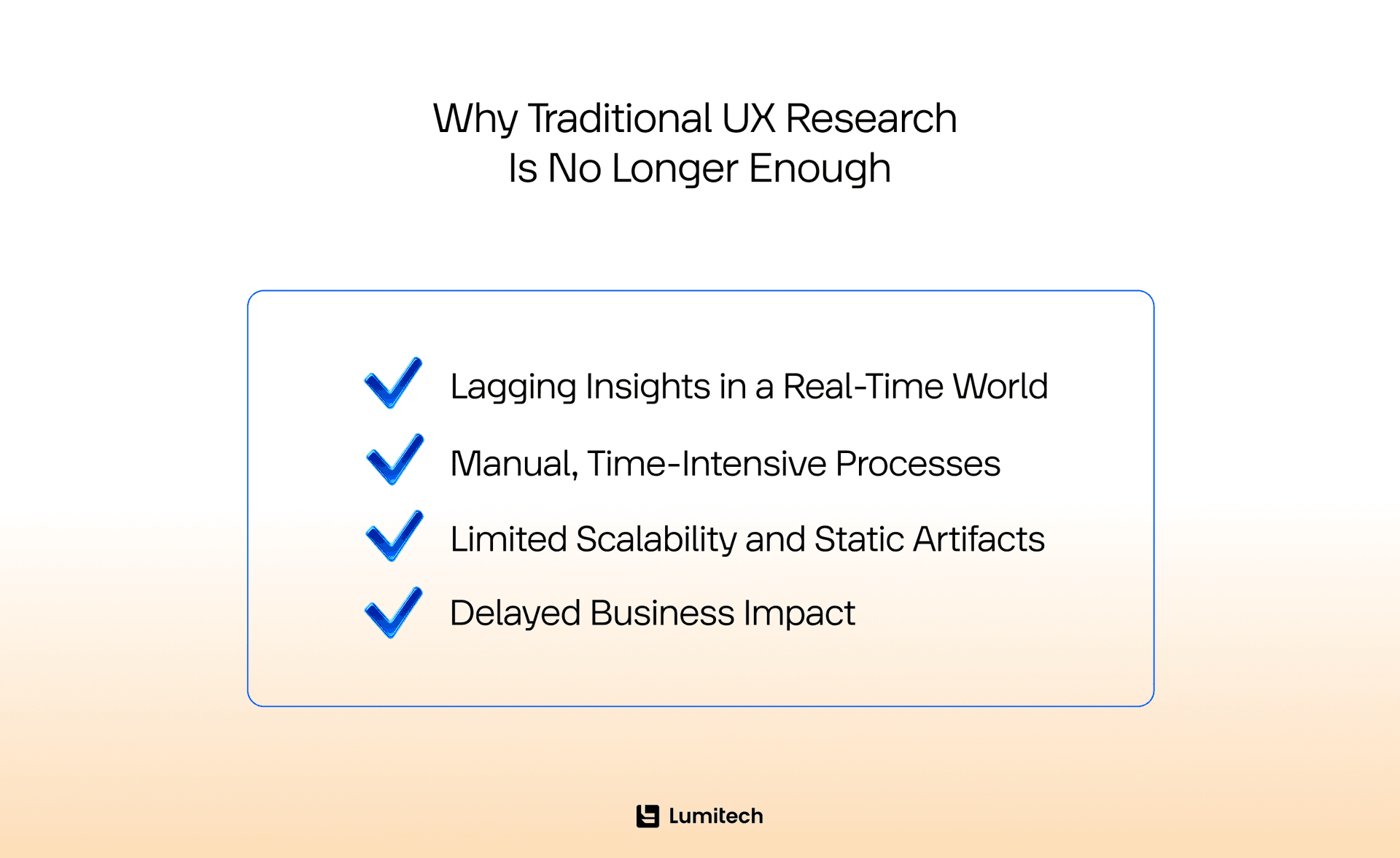
Lagging Insights in a Real-Time World
Classic research cycles usually describe what happened — what users did, why they struggled, why a flow failed. By the time insights are synthesized, priorities may have shifted, new features shipped, or a competitor already addressed the same pain point. Teams end up optimising yesterday’s problems instead of tapping into today’s (and tomorrow’s) opportunities.
Manual, Time-Intensive Processes
Interview scheduling, transcription, tagging, synthesis, reporting — it all takes time. For complex products, the insane volume of data makes full manual analysis almost impossible. Even with solid UI/UX design services, teams can feel like they are always catching up at best, or lagging behind in the most realistic scenarios.
Limited Scalability and Static Artifacts
Traditional qualitative research doesn’t scale easily across millions of users or dozens of micro-journeys. Personas and journey maps become static artefacts that age quickly in dynamic environments like fintech or on-demand services. In industries such as fintech UX design or, for example, when it comes to employing UX best practices in the transportation industry, this gap becomes very visible.
Delayed Business Impact
When research is always trailing behind the product roadmap, its influence on decisions can be limited. Insights arrive too late to prevent churn, friction, or missed engagement peaks. Stakeholders start to see research as “nice to have”, not as an engine for growth.
As products become more data-rich and adaptive, UX research needs to shift from explaining what already happened toward user behavior prediction, anticipating what is likely to come next and designing with that future in mind.
What Predictive UX Research Actually Means (and What It Doesn’t)
At its core, predictive UX research is about using patterns in behavior and context to inform design decisions before problems surface. Below as its essential components:
Pattern detection. Teams identify recurring signals in interaction logs, funnel metrics, support tickets, and qualitative feedback. Over time, this becomes pattern recognition in user behavior, pointing to early markers of frustration, confusion, or intent.
Behavioral signals analysis. Instead of relying only on what users say, predictive methods combine event data, timing, device, segment, and context. This is where UX optimization with AI and AI in UX research start to play a major role.
Probabilistic insights. Rather than “Users always do X”, we move into statements like “Users with behaviour A and B have a 70% chance to churn at step C”. This user decision prediction mindset changes how products can prioritise design efforts.
What Predictive UX Research Is Not
It’s important to stay grounded. Predictive UX is powerful, but not magical, so don’t mix it up with:
Mind reading. It does not “know” what a user wants. It models probabilities based on evidence. Wrong or biased data still lead to wrong predictions.
Fully autonomous decision-making. AI doesn’t replace researchers or designers. It augments their ability to reason, test, and prioritise.
A replacement for qualitative research. Interviews, field studies, and concept tests remain essential. They provide the “why” behind patterns and ensure empathy, ethics, and nuance stay in the loop.
In other words, predictive user experience research is best understood as a decision-support layer, not a self-sufficient engine. You still need humans asking good questions — and deciding what “good” looks like.
Predictive UX Research: Why AI and Data Change the Game
AI nudges UX work from validation toward exploration. Instead of reacting to problems after launch, predictive UX helps spot patterns indicating future friction, for example, sequences of actions that often end in drop-off. In this manner, design teams can focus on the most impactful flows first, guided by predictive metrics UX rather than intuition alone.
Automation in AI and ML development services reduces time spent on repetitive tasks — transcription, basic tagging, clustering — so researchers focus on interpretation and storytelling. Experiences can adapt dynamically based on behavioral segmentation UX, making the interface feel more personal, even at scale.
Over time, the researcher’s role shifts:
Less time spent on manual data handling.
More time spent on synthesis, scenario planning, and explaining trade-offs to product, design, and business stakeholders.
The Role of AI as Co-Pilot in Predictive User Experience Research
AI doesn’t replace UX teams — it becomes an assistant embedded throughout their workflow, at each stage. Here is how.
Planning & Ideation
At the start of studies, AI can help:
Suggest research questions, hypotheses, and potential segments based on past data.
Accelerate desk research and predictive design research exploration.
Draft interview scripts and discussion guides (still reviewed and tuned by humans).
Recruitment and Data Collection
At this stage of UX research, predictive models can:
Match participants based on behaviors rather than just demographics.
Identify high-intent testers with specific patterns.
Provide early behavior modeling in UX, e.g., spotting users who are likely power-users vs. likely churn risks.
During data collection:
AI transcribes across accents and languages.
Note-taking assistants timestamp important remarks and events.
Emerging AI moderators handle repetitive, structured interviews at scale, while researchers focus on deeper sessions.
Analysis, Modeling, and Reporting
For analysis, AI can:
Cluster themes and sentiments across large sets of notes and videos.
Provide early drafts of predictive modeling in UX based on historic patterns.
Flag anomalies that deserve human review.
Teams then validate these insights qualitatively and connect them with design implications. Reports, journey maps, and personas can be partially auto-generated, then refined, making it easier to share findings across product and UI/UX design services teams.
This is where predictive analytics in UX and broader predictive analytics for UX begin to live in everyday work, not just in data science teams.
The Core Technology Shift: Predictive Analytics in UX
Under the hood, predictive UX relies on a few key components.
Prediction Models and Real-Time Optimization
Machine learning models estimate the likelihood of future events — churn, conversion, confusion, success — for individuals or segments. Combined with pattern recognition in user behavior, they power:
Real-time UI changes (for example, surfacing help when someone shows early signs of being stuck).
Adaptive flows that shorten steps for confident users and support those who need more guidance.
This is what makes predictive interface design possible.
Integration with Design and Product Tools
Modern design tools and product analytics platforms make it easier to plug models into daily work:
Design teams simulate context-based UX prediction scenarios (“What happens if this error becomes more common?”).
Prototypes connect to model outputs, letting teams test “what if?” before big development investments.
Of course, all this has limits. AI is strong at scale and pattern detection but still lacks human, contextual judgment. Ethical oversight and UX principles stay crucial.
When Predictive UX Makes Sense (and When It Doesn’t)
Like any powerful method, predictive UX is not a silver bullet. There are contexts where it fits beautifully — and others where it’s simply overkill.
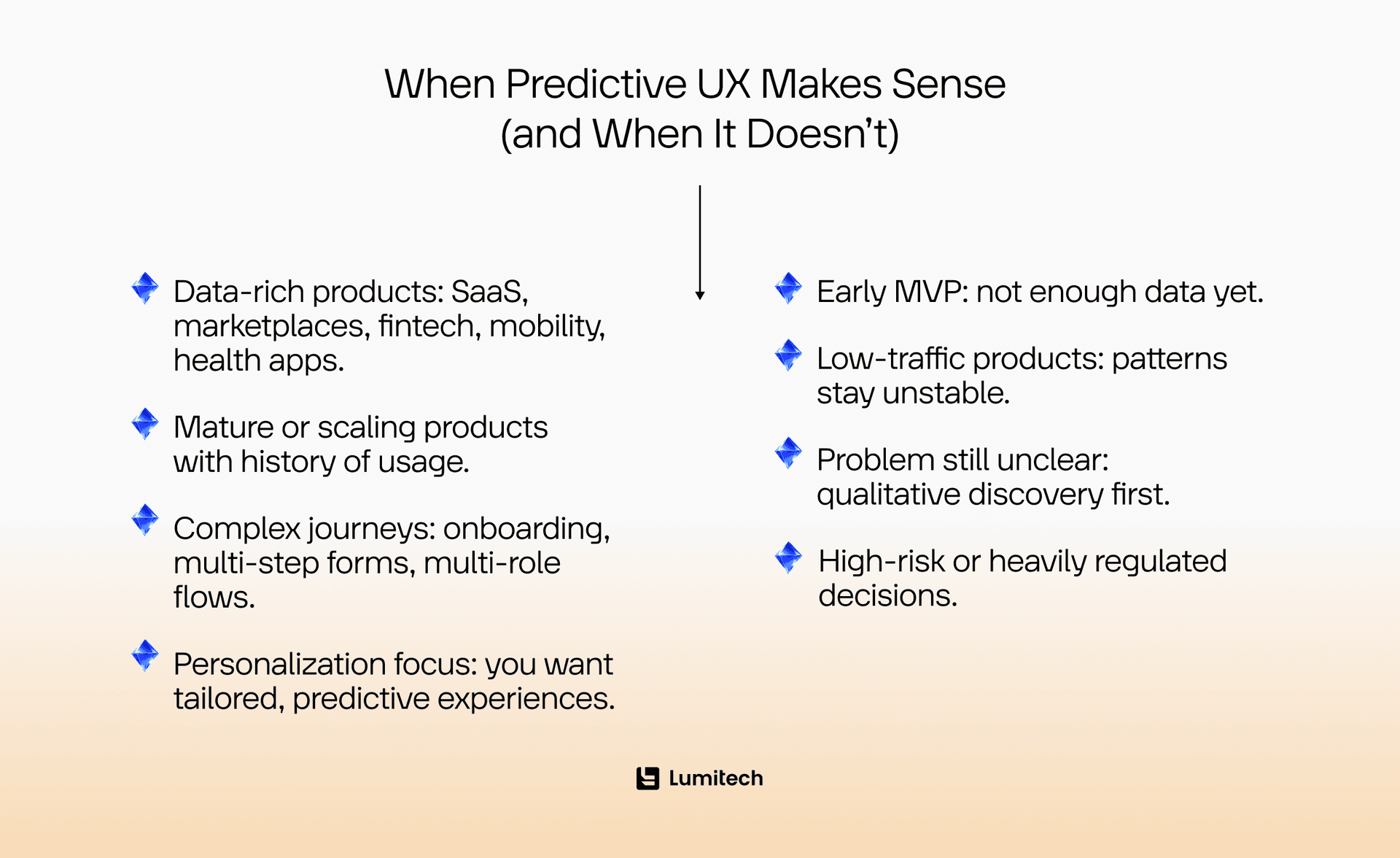
When Predictive UX Works Best
It’s usually a good fit if:
You have data-rich digital products: SaaS, marketplaces, fintech industry software, mobility platforms, health apps with enough behavioral data.
Your product is mature or scaling: historical usage forms a solid base to train models.
You deal with complex user journeys: onboarding funnels, multi-step forms, or multi-role workflows.
You aim for personalization: you want personalized experience prediction, not just broad segments.
In those cases, predictive user experience design can deliver meaningful lifts in engagement and retention.
When Predictive User Experience Research Does Not Add Up
On the other hand, predictive models are not ideal when:
You are at the early MVP development stage: you simply don’t have enough data yet.
Traffic is low: predictive usability research will struggle to find stable patterns.
You are still exploring the core problem: you need rich qualitative discovery first.
Decisions are highly regulated or high-risk: certain decisions must remain fully human and explainable.
Knowing when not to use predictive methods is a sign of maturity, not limitation.
Predictive Search UX: A Tangible Entry Point
A very practical place many teams start is predictive search UX. Search is where intent is obvious but time is tight. Good predictive suggestions can:
Speed up navigation and task completion.
Reveal useful content that users didn’t know the product held.
Reduce mis-typed queries and frustration.
By analysing past queries, click paths, and outcomes, predictive search UX models can suggest:
Likely destinations for similar users.
Popular or high-success paths for specific segments.
Context-aware shortcuts (for example, surfacing “renew subscription” for users close to renewal).
This is a clear example of how to predict user behavior in UX using real-world interactions. Over time, the same logic expands to more surfaces: navigation, recommendations, onboarding flows — building toward a broader predictive user experience across the product.
From Predictive UX to Practice: Why Prototypes Matter
Insight without action is just a slide deck. Predictive models might tell you “Users with pattern A will likely fail at step 3”, but UX teams must still answer: “So, what do we show them instead?” This is where prototyping becomes critical.
The matter is that predictions should be experienced, not just read in dashboards. Stakeholders, in turn, need to see and feel how a predictive interface design responds differently to different users. Engineers, on their side, need clarity on what to build and why before committing serious effort.
When teams pair predictive insights with high-fidelity prototypes, they can:
Test adaptive flows in usability sessions.
Validate whether “early intervention” actually solves the predicted friction.
Compare predicted outcomes against actual ones in controlled experiments.
For Lumitech, AI-assisted prototyping is where predictive UX becomes tangible. It also connects well with broader decision intelligence services, where product decisions are grounded in both data and real user feedback.
Turn your predictive UX ideas into real, testable prototypes instead of just slideware. If you want to see how AI-assisted prototyping and smart UX strategy can de-risk decisions and align your team faster, Lumitech is here to help.

Predictive Analytics for UX: Getting Started Without Overengineering
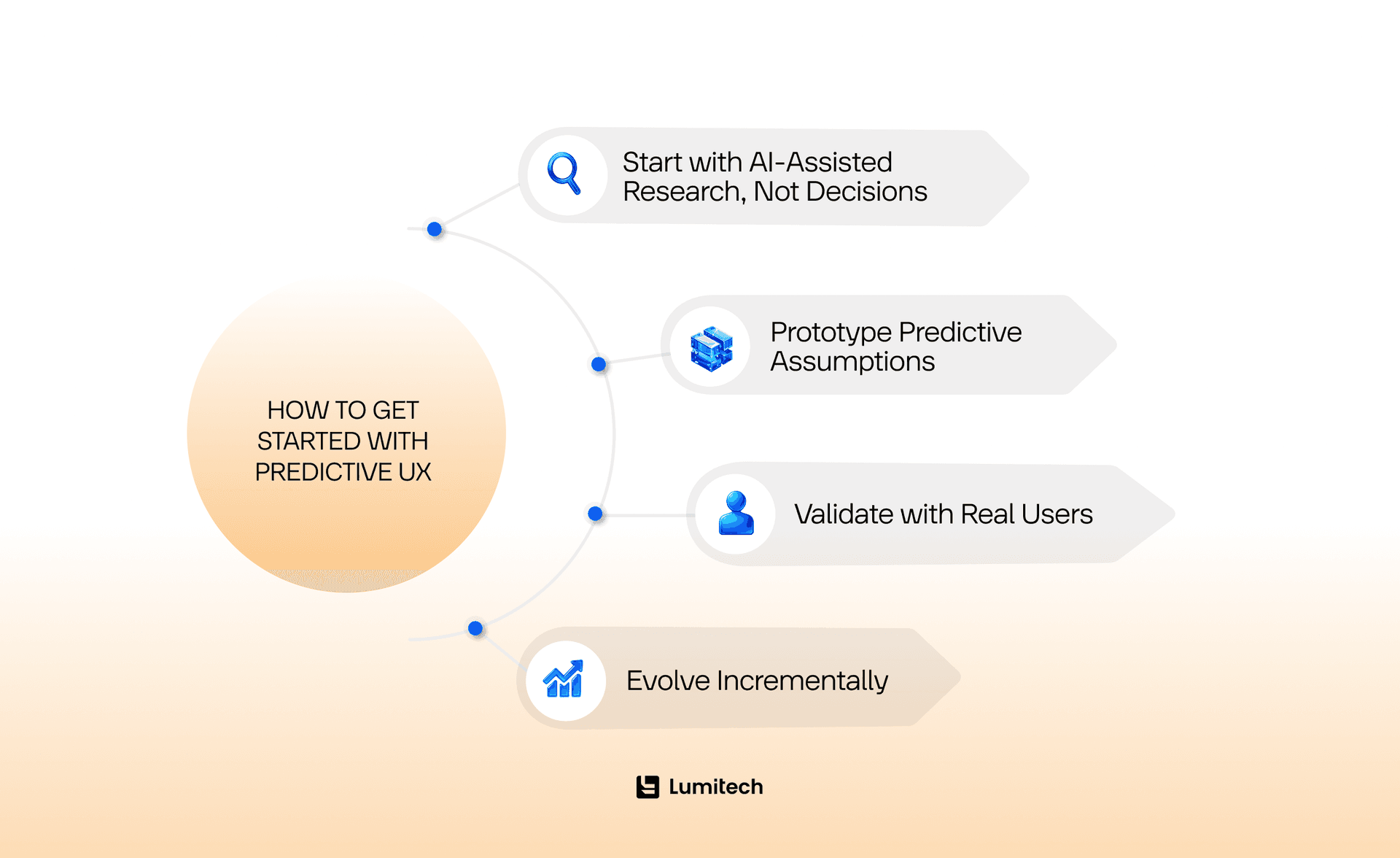
Predictive UX can sound overwhelming. But you don’t need a full data science department on day one. A pragmatic, staged approach usually works best, and here is a simple explanation of what it looks like.
Design alternative flows that respond to these predictions, and only then prototype them. This step is where predictive UX meets classic UX craft and where UX/UI branding in the Legaltech or other domains can reflect real behavioral signals instead of generic flows.
Start with AI-Assisted Research, Not Decisions
Begin by:
Automating transcription, clustering, and tagging.
Using AI in UX research as a co-pilot to process large qualitative and quantitative datasets.
Trying simple predictive usability research (for example, identifying early signals for form abandonment) before moving to full predictive modeling in UX.
The goal is to free researchers from repetitive manual work, not to delegate judgment.
Prototype Predictive Assumptions
Next, take a handful of high-confidence hypotheses, such as:
“Users who skip tutorial screens are more likely to fail at step 4.”
“Users with behaviour X at checkout are likely to need reassurance about fees.”
Design alternative flows that respond to these predictions, and only then prototype them. This step is where predictive UX meets classic UX craft and where UX/UI branding in the Legaltech or other domains can reflect real behavioral signals instead of generic flows.
Validate with Real Users
Bring prototypes into:
Moderated usability sessions.
Remote unmoderated tests.
A/B tests for live products if you already have enough volume.
Here you verify whether your logic holds. Does a contextually timed nudge reduce errors? Do personalized recommendations improve completion? This mix of quantitative and qualitative approaches is how to conduct predictive UX research in practice.
Evolve Incrementally
As confidence and data maturity grow:
Expand to more journeys or segments.
Refine models with new signals (for example, device, time, micro-interactions).
Integrate predictive logic deeper into your UI/UX design services and design systems.
This incremental approach helps both large enterprises and smaller teams. So, is predictive UX research suitable for small startups or only large enterprises? With the right focus and tooling, it can benefit both, just at different levels of complexity.
Conclusion
Predictive UX research is not about replacing human insight but about giving UX teams a sharper, more proactive lens on what users are likely to do next. By combining behavioral data, AI-driven pattern recognition, and classic qualitative methods, teams move beyond lagging reports and static personas toward experiences that adapt in real time. It works best in data-rich, scaling products where early signals of friction or intent can be turned into timely interventions, smarter flows, or more relevant content.
At the same time, it demands careful judgment — knowing when predictions are reliable, when they are not, and when a simple usability test is still the fastest path to clarity. For teams willing to experiment, start small, and learn as they go, predictive UX becomes less a buzzword and more a practical way to design products that feel one step ahead of user needs instead of one step behind.
Explore Predictive UX with Lumitech
If your team is exploring predictive UX research — or simply wants to move from reactive fixes to proactive design — you don’t have to figure it out alone. Lumitech combines AI and ML development services, UI/UX design services, and product thinking to help teams test future-facing UX ideas before committing engineering resources.
Whether you are rethinking predictive search UX, planning behavior-informed redesigns in fintech, or looking for smarter ways to connect decision intelligence services with real user journeys, Lumitech can support you at each step.


